©
Code by
Mateus
Paula
Loading...
Quiet Mind
ROLE / SERVICES
design & development
CREATED FOR
Case Study
YEAR
2025
Overview
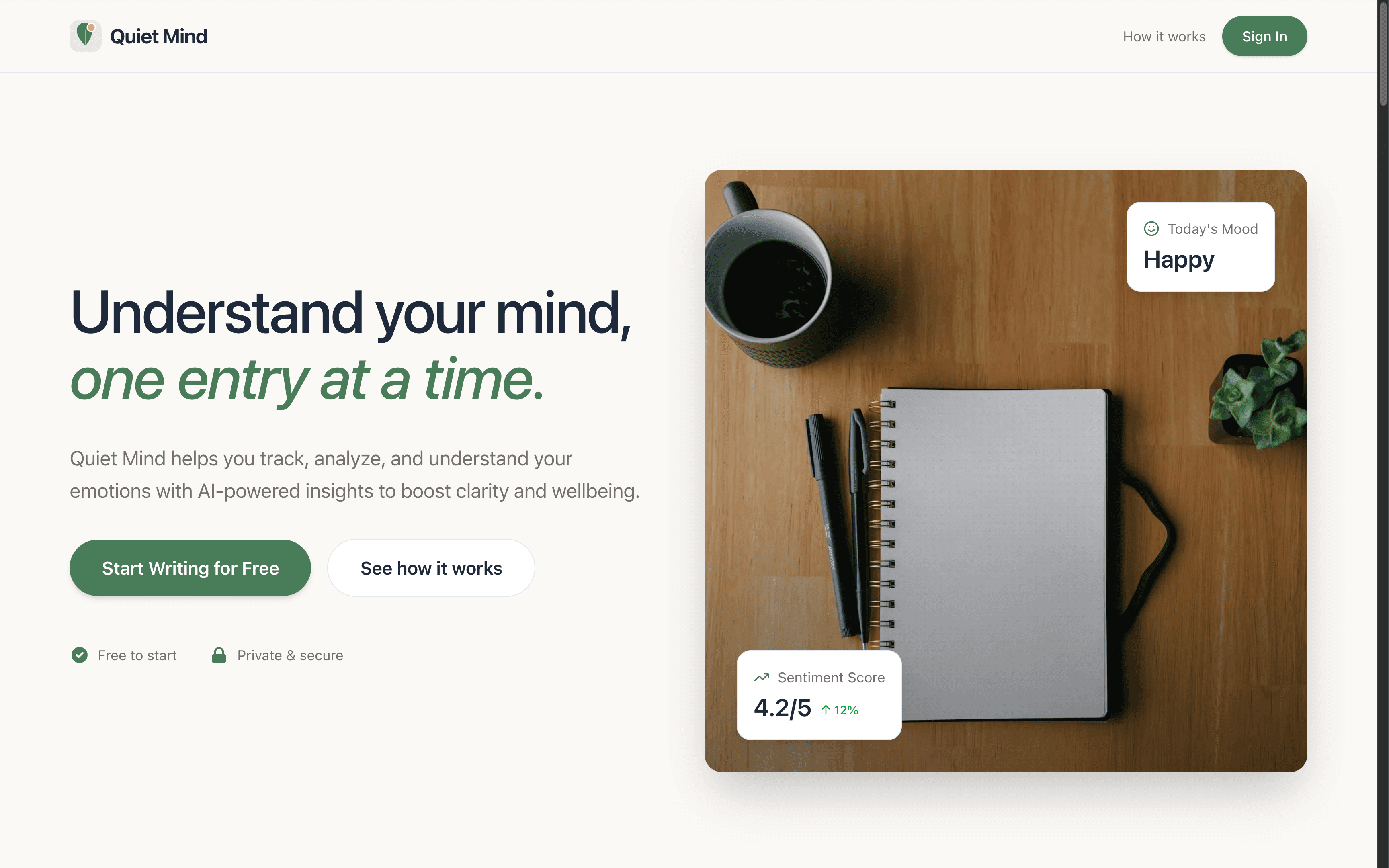
An AI-powered emotional journal that helps you understand your mind, one entry at a time.
Quiet Mind is a full-stack web application where users write journal entries that are instantly analyzed by AI to extract mood, sentiment, themes, and personalized advice. Built with a modern React Server Components architecture for optimal performance.
Features
AI-Powered Mood Analysis
Every journal entry is analyzed in real-time by GPT-4o-mini using structured outputs with Zod schema validation. The AI extracts:
- Mood classification (Happy, Sad, Anxious, Neutral)
- Sentiment score (1-5 scale)
- Theme tags (work, relationships, health, etc.)
- Personalized advice tailored to what you wrote

Dashboard Overview
A personalized dashboard greets you with stats at a glance: total entries, weekly activity, current mood, and average sentiment. An interactive area chart tracks your sentiment trends over time.

Journal Entries
Browse all your entries in a clean, sortable table. Click any row to open a slide-over drawer with the full entry and AI analysis, or navigate to the full detail page.


Analytics & Insights
Dive deeper with the Insights page: mood distribution donut chart, top themes bar chart, journaling activity heatmap, streak tracking, and date range filtering.

Quick Entry Creation
Write new entries from anywhere in the app via a modal dialog with title, text area with character count, and AI analysis on save.

OAuth Authentication
Secure sign-in with Google or GitHub via NextAuth.js v5, featuring a split-screen layout with nature imagery.

Tech Stack
Project Structure
Architecture Highlights
Server Components First
The entire application is built with a Server Components-first approach. Pages are async Server Components that fetch data directly from Supabase via a server-only queries module wrapped in React's cache() for per-request deduplication.
Only interactive components (charts, dialogs, date pickers) are Client Components, minimizing the JavaScript bundle sent to the browser.
Structured AI Outputs with Zod
The AI analysis layer uses Vercel AI SDK's generateObject with a Zod schema as the single source of truth for both runtime validation and TypeScript types:
No manual JSON parsing or field-by-field validation needed. The SDK handles JSON mode, parsing, and Zod validation internally.
Server Actions for Mutations
Entry creation uses a Server Action instead of an API route, enabling direct server-side execution with revalidatePath for instant cache invalidation after writes.
Code Splitting
Recharts components are lazily loaded via next/dynamic with skeleton fallbacks, keeping the initial bundle lean. The landing page dashboard preview is also dynamically imported so visitors don't download chart libraries until needed.
Challenges & Solutions
Challenge: Client Component Overuse
Problem: Initially, every page was a Client Component with "use client" — using useEffect + fetch() to call API routes, creating unnecessary client-server waterfalls.
Solution: Created a lib/queries.ts server-only module with cache() wrapped Supabase queries. Converted all 4 app pages to async Server Components. Removed "use client" from 4 presentational components that had zero interactivity. The data now renders directly into HTML on the server.
Challenge: Brittle AI Response Validation
Problem: The original OpenAI integration used JSON.parse() + manual if/else checks to validate every field of the LLM response. A single unexpected response shape could crash the app.
Solution: Migrated to Vercel AI SDK's generateObject with a Zod schema. The schema serves triple duty: TypeScript type inference, runtime validation, and structured hints to the model (via .describe()). The fallback in catch handles API errors gracefully.
Challenge: Bundle Size with Charts
Problem: Recharts is a heavy dependency (~200KB). Loading it eagerly on every page hurt initial load times, especially for the landing page where charts are just a preview.
Solution: Used next/dynamic to code-split all chart components. Each gets a fixed-height <Skeleton /> as a loading fallback to prevent layout shift. Charts only load when the user navigates to a page that needs them.
Landing Page